
How to Connect a Domain to Webflow: DNS Records Explained
Learn how to connect a custom domain to Webflow in 2026 with updated DNS records, step-by-step instructions, domain provider settings, SSL setup and troubleshooting tips.


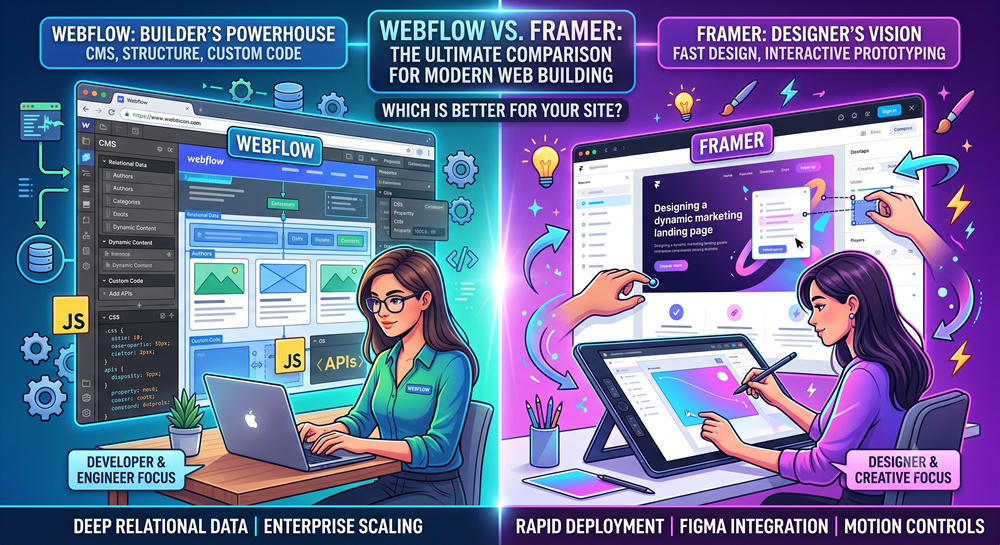
Webflow is better for complex, data-driven websites, deep content management architecture, custom code integrations, and strict development standards. Framer is better for fast, Figma-style visual design translation, interactive marketing landing pages, startups, and creative portfolios that prioritize speed over deep database relationships.
| Feature | Webflow | Framer |
|---|---|---|
| Design Engine | Visual HTML/CSS/JS box model (Flexbox/Grid) | Figma-style freeform canvas & React components |
| Best Used For | Multi-page client sites, SaaS web apps, dynamic blogs | Launch pages, campaign sites, creative portfolios |
| CMS Capabilities | Deep relational structures, multi-reference fields | Basic dynamic collections (blogs, case studies) |
| Custom Code | Native embeds, custom JS libraries, Webhooks, APIs | React code components, custom script injection |
| Learning Curve | Moderate to steep (requires web layout knowledge) | Low (feels like designing inside Figma) |
Webflow forces you to construct pages using standard front-end rules—divs, flexbox containers, and CSS grid layout models. This results in clean, standards-compliant code structure. Framer functions like a digital design tool where elements sit on a freeform canvas, compiling into React components under the hood.
Webflow features an advanced database engine built for complex content architecture, making it the preferred option for heavy publishing platforms and large marketing engines. Framer’s CMS handles flat collections (like simple blogs or job boards) smoothly, but lacks deep multi-layered relational structures.
Webflow allows clean integration of custom scripts, third-party animation libraries (like GSAP), and external backends. Framer allows developers to write React components directly inside the tool, giving engineers a unique playground for custom web components.
If your primary focus is turning Figma designs into published marketing pages as quickly as possible, Framer is the faster choice. If you are building a structured, content-rich website with complex dynamic logic and custom integrations, Webflow remains the industry standard.
Choosing Webflow for your next site? See how our Webflow agency plans, designs and builds marketing sites, or browse our portfolio.