Build
Migrate
Grow
Care
Learn how to convert an HTML website to Webflow, explore migration methods and tools, rebuild your CMS, and protect your SEO rankings during the transition.
Learn how to set up Webflow forms, prevent spam, manage submissions, connect CRMs and automate workflows. Explore form limits, integrations, troubleshooting tips, and best practices for capturing leads effectively.
Explore Webflow pricing for 2026, including Site plans, Workspace costs, Ecommerce fees, add-ons, and website development prices. Compare plans and discover how to choose the right setup while keeping costs under control.
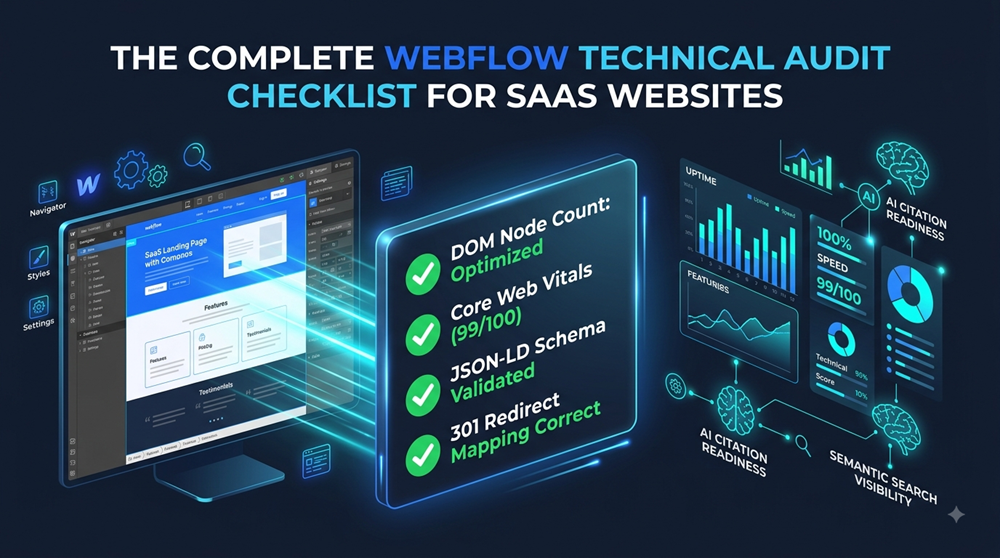
Performing a structured technical Webflow audit isolates accumulated technical debt, guarantees compliance with Google's Core Web Vitals, and ensures your site architecture remains clean and maintainable for your growth team.
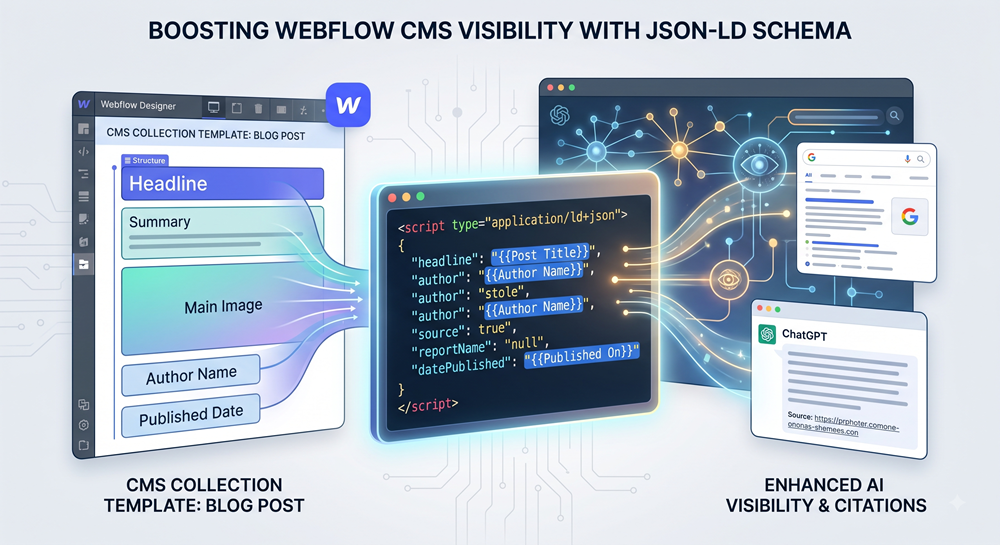
Generative Engine Optimization (GEO) relies on machine-readable semantic structures so Large Language Models (ChatGPT, Perplexity, Gemini, SearchGPT) can parse, verify, and cite your content. Injecting dynamic JSON-LD structured data directly into Webflow CMS Collection Templates transforms dynamic blog posts, products, and case studies into structured entities ready for AI search citation.
Setting up Google Analytics 4 (GA4) in Webflow takes under 5 minutes. You can integrate it using Webflow's native integration (no code required, available on all site plans) or by injecting the gtag.js script via custom code.
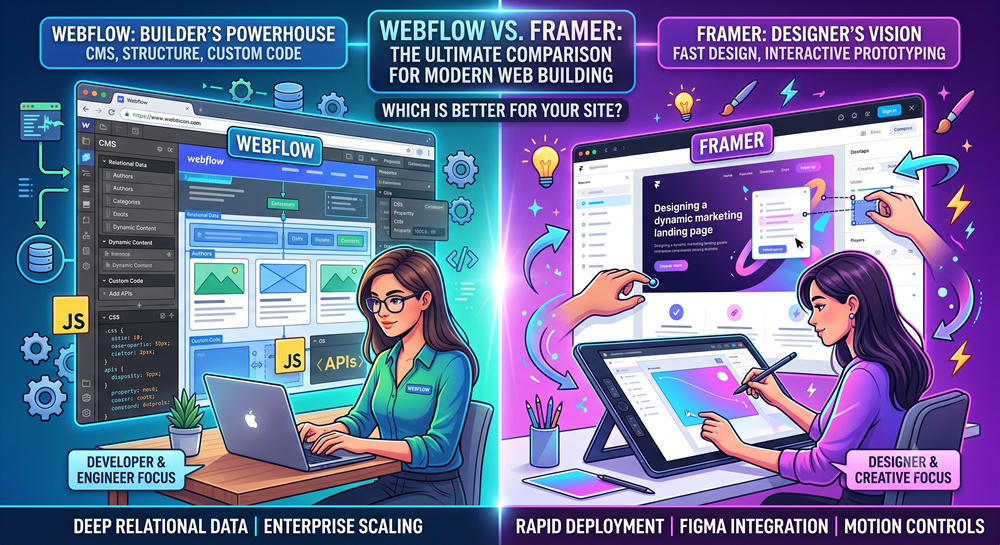
Webflow is better for complex, data-driven websites, deep content management architecture, custom code integrations, and strict development standards. Framer is better for fast, Figma-style visual design translation, interactive marketing landing pages, startups, and creative portfolios that prioritize speed over deep database relationships.
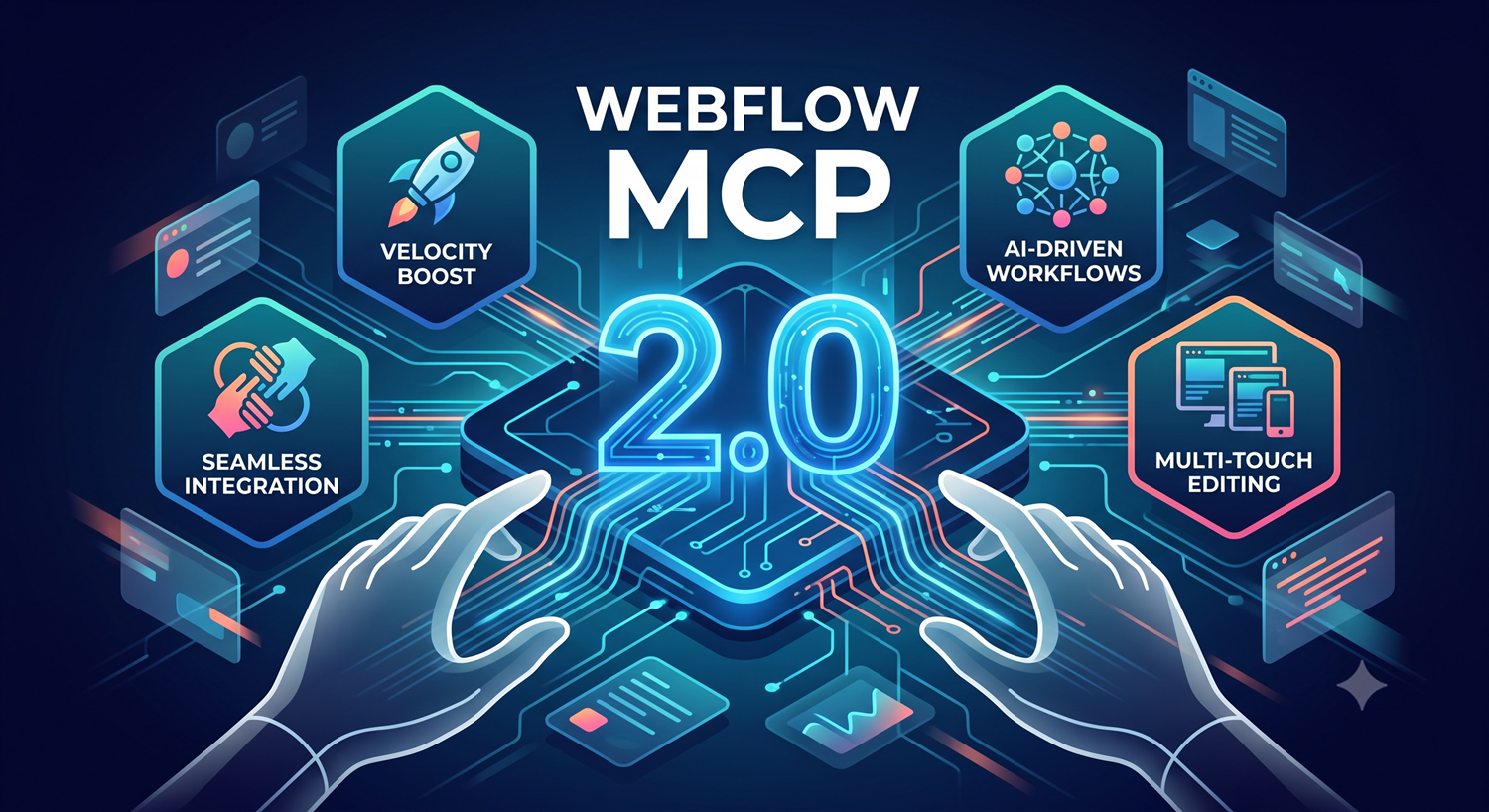
Artificial intelligence has rapidly shifted from a novelty to a cornerstone of modern web design and development workflows. With the launch of Webflow MCP 2.0, Webflow is taking agentic web development to the next level.
As of February 2026, the Webflow and Claude connector has officially moved from experimental "vibe coding" to a first-party powerhouse.
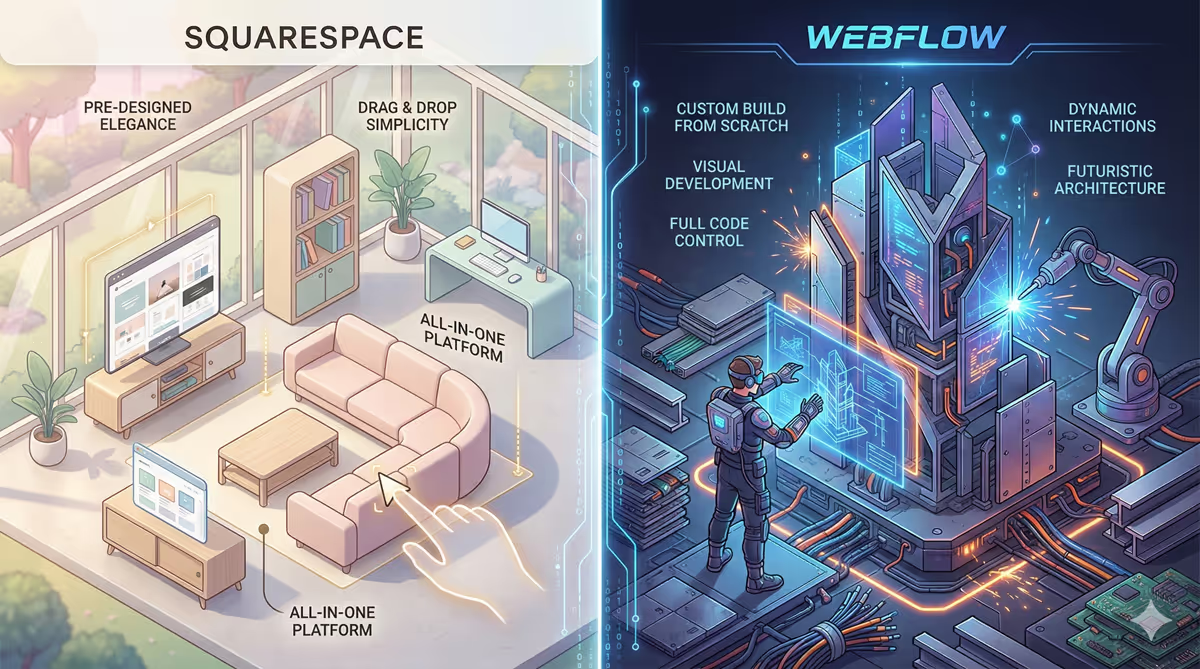
Choosing the right platform to build your website is one of the most crucial digital decisions you will make. In the "no-code" arena, two names dominate the conversation, but for very different reasons: Squarespace and Webflow.
In today's fast-paced digital world, businesses can't afford to manually process every lead or submission from their websites. If you're using Webflow, one of the easiest ways to supercharge your site is by automating form submissions.
with this update, Webflow now only loads the CSS that’s needed for the specific page a user is visiting.
Webflow just made a game-changing move for designers and developers: GSAP (GreenSock Animation Platform) is now 100% free to use in Webflow projects—no paid license required!
In this article, we'll explore how you can integrate Firebase Firestore with Webflow to manage and display dynamic content efficiently.
This guide will walk you through the possibilities and methods of integrating Webflow with Shopify to create a seamless, visually stunning online store.
In this article, we’ll explore the strengths and limitations of both Webflow interactions and GSAP, helping you decide when to use each for your projects.
In this guide, we'll walk you through how to integrate GSAP ScrollTrigger in Webflow to create stunning effects.
Two of the most popular tools for implementing animations are Rive and Lottie. Both offer unique features and functionalities, but which one is right for your project?
This article will introduce you to Rive, explore its benefits, and show you how it integrates seamlessly with Webflow
When building a website on Webflow, one crucial decision is whether to use Webflow templates or go for a custom design
In today’s digital landscape, having a stunning website isn’t enough. If your Webflow site isn’t optimized for search engines, it may struggle to attract organic traffic, leading to missed business opportunities.
In this article, we’ll explore what programmatic SEO is, how it works, and how you can implement it in Webflow.
Search engine optimization (SEO) is essential for the success of any website, and Webflow provides a powerful platform to help developers optimize their sites effectively.
Local SEO is the process of optimizing your website to appear in search results for location-specific queries, such as “pizza shop near me” or “Webflow developers in New York.”
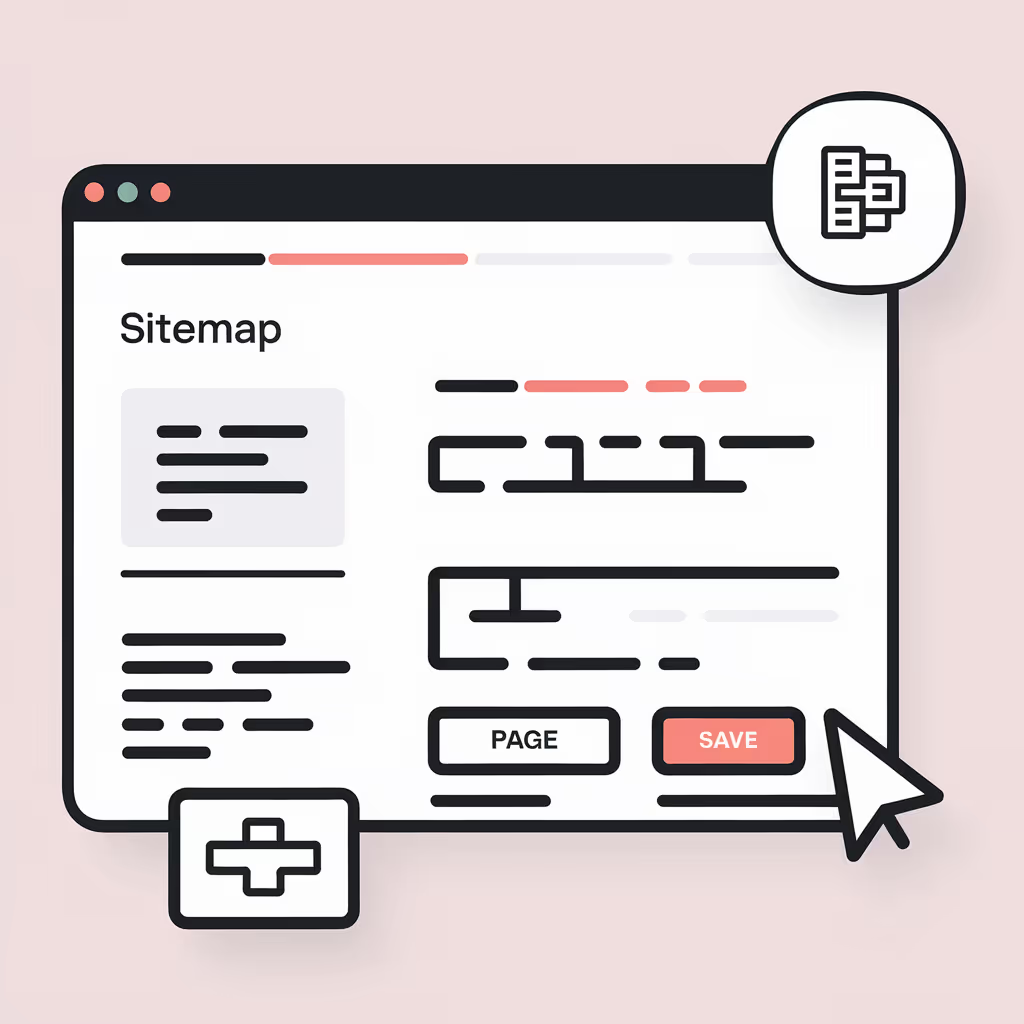
Using Webflow’s sitemap tools can greatly enhance your website’s SEO and visibility in search engines. By enabling and customizing your sitemap, you can guide search engines to your most valuable pages, helping your content get noticed by the right audience.
To stand out in search results and provide a better experience for users, it’s crucial to go beyond basic SEO practices.
Webflow recently launched the Google Site Tools for Webflow app, a powerful new feature designed to simplify the process of integrating Google’s suite of tools—Google Analytics, Google Tag Manager, and Google Search Console
In the digital age, Search Engine Optimization (SEO) is crucial for any business looking to enhance its online presence. One platform that stands out for its SEO capabilities is Webflow.
WebClaw///



.png)
.png)








.avif)